
How to create a Pagadera wallet
Go to https://member.pagadera.com/
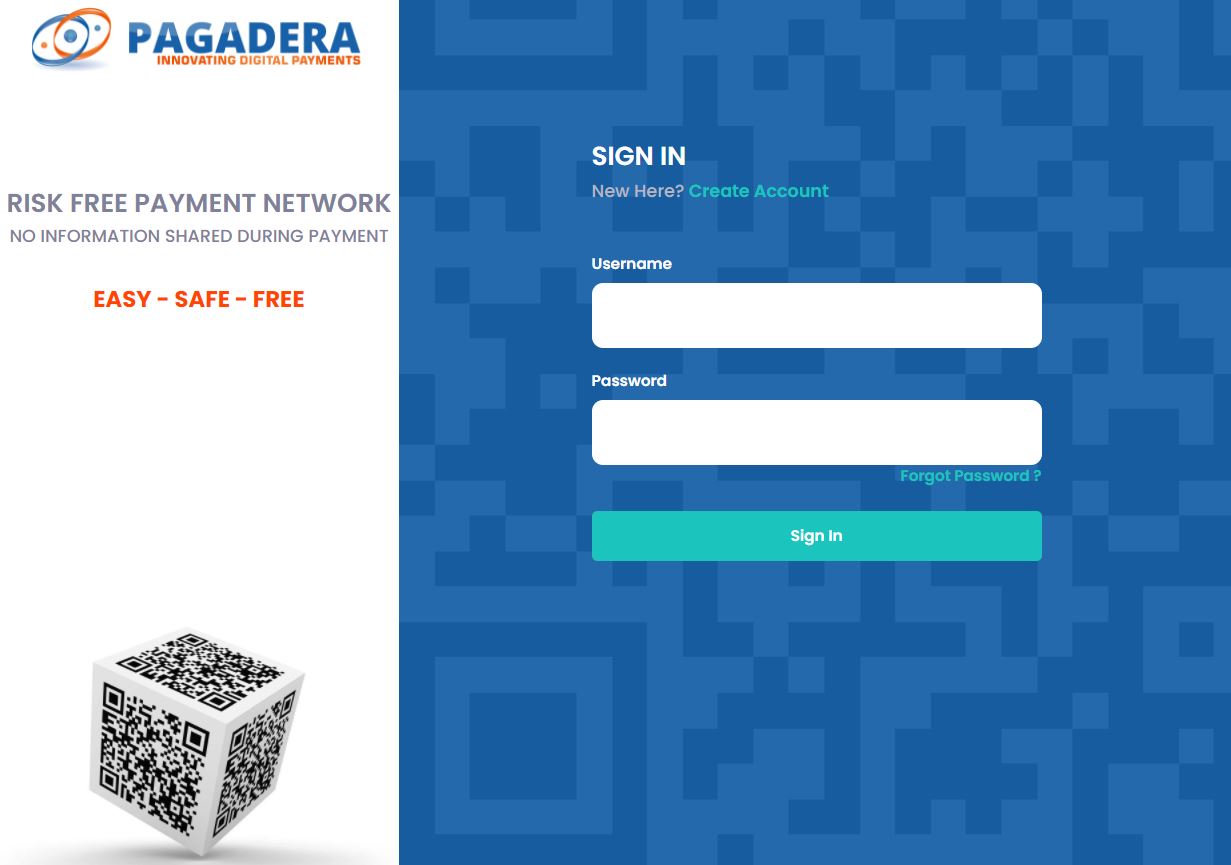
And login into your Pagadera account
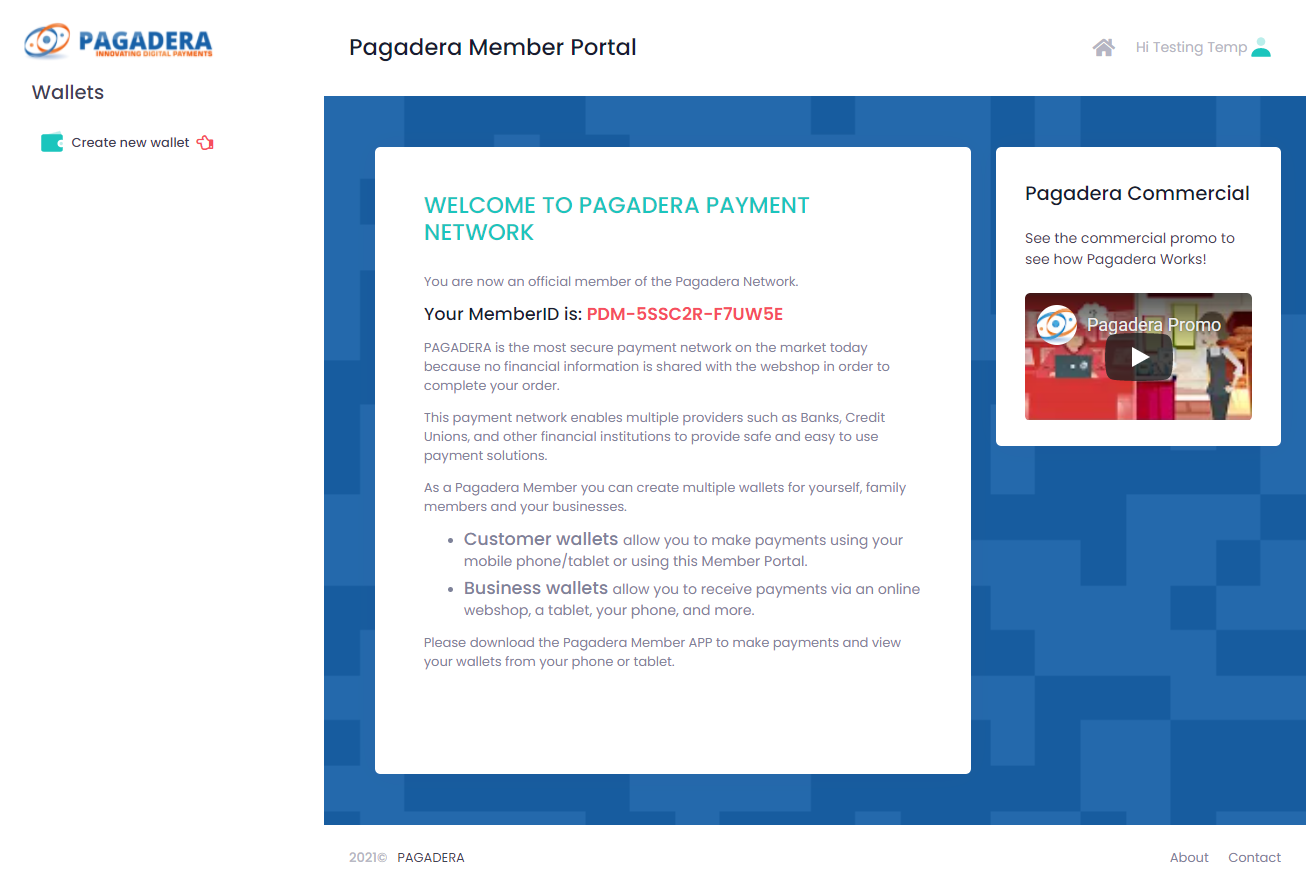
Look at the upper left corner, where a hand icon is blinking
Click Create New Wallet link in the upper left corner.
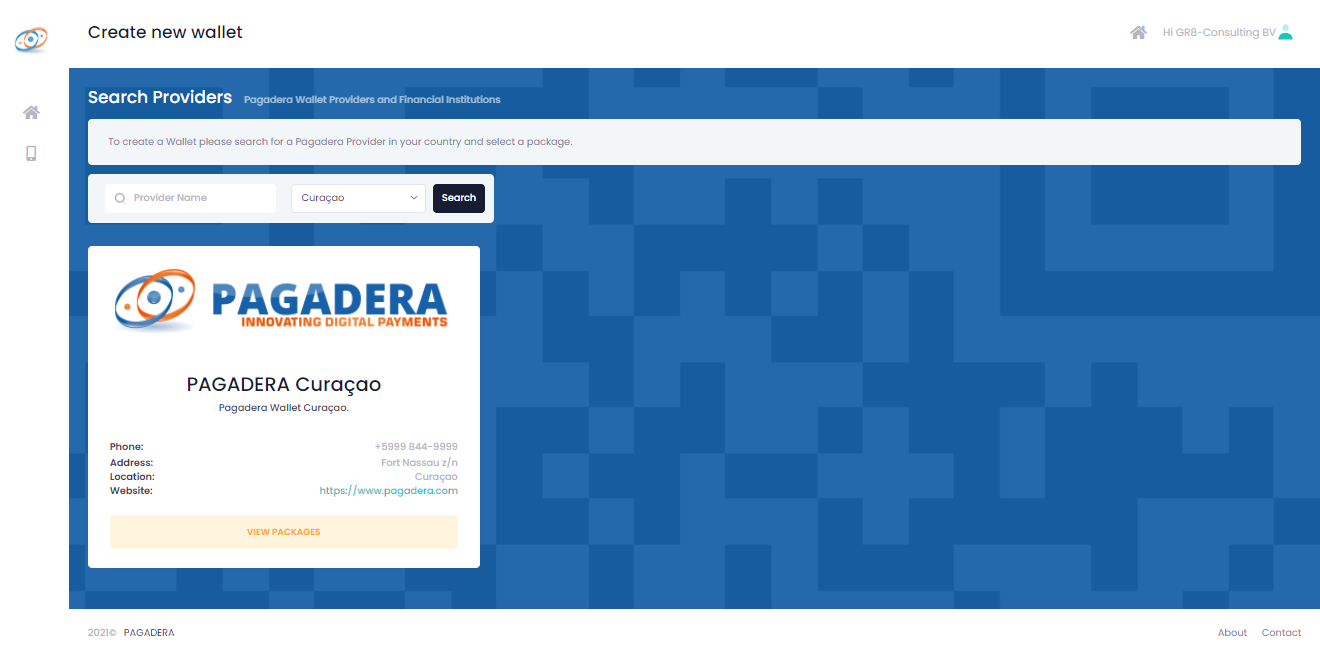
Select Country
Click on the view packages button
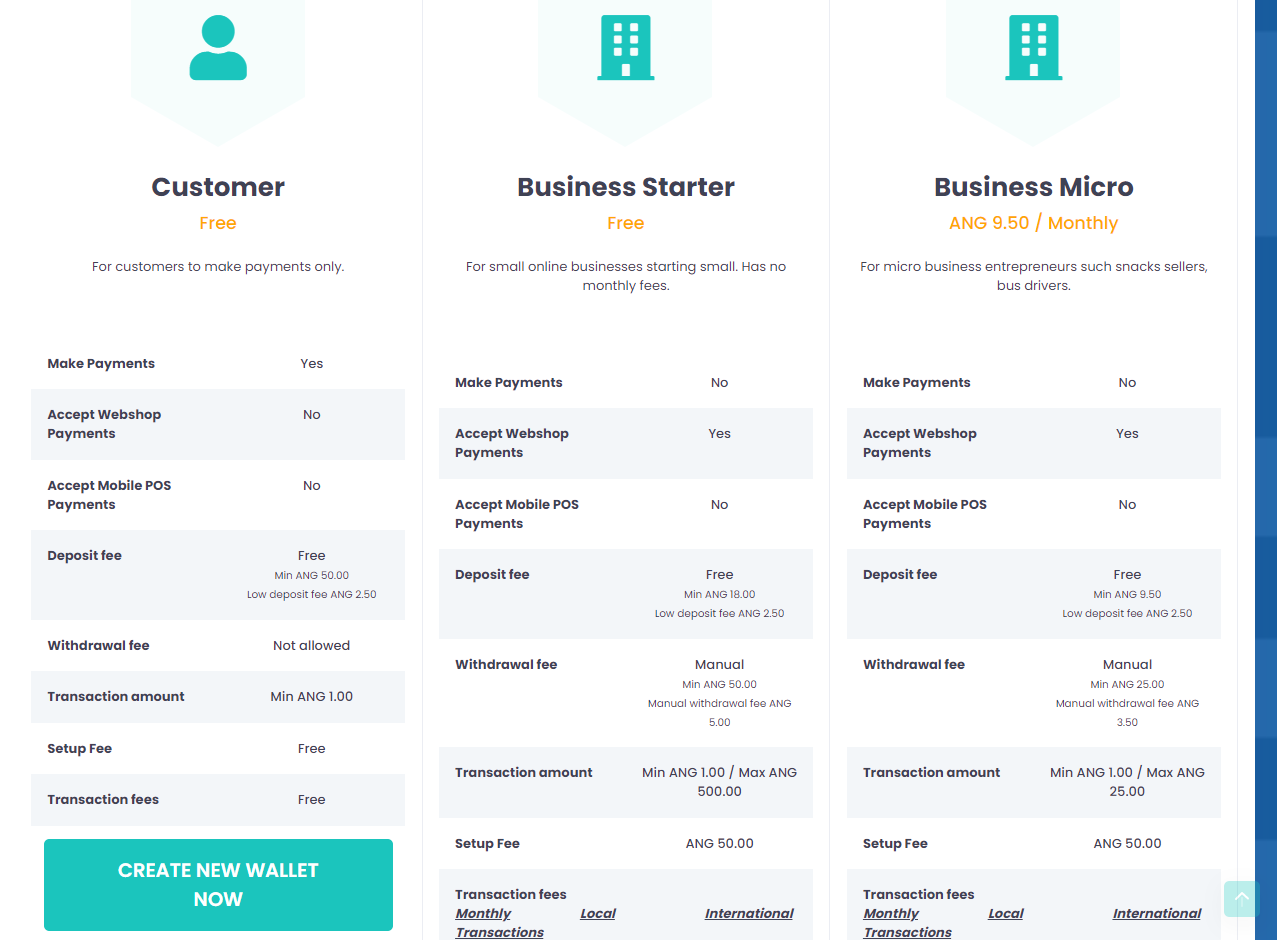
Select Customer by clicking on the button Create new wallet now
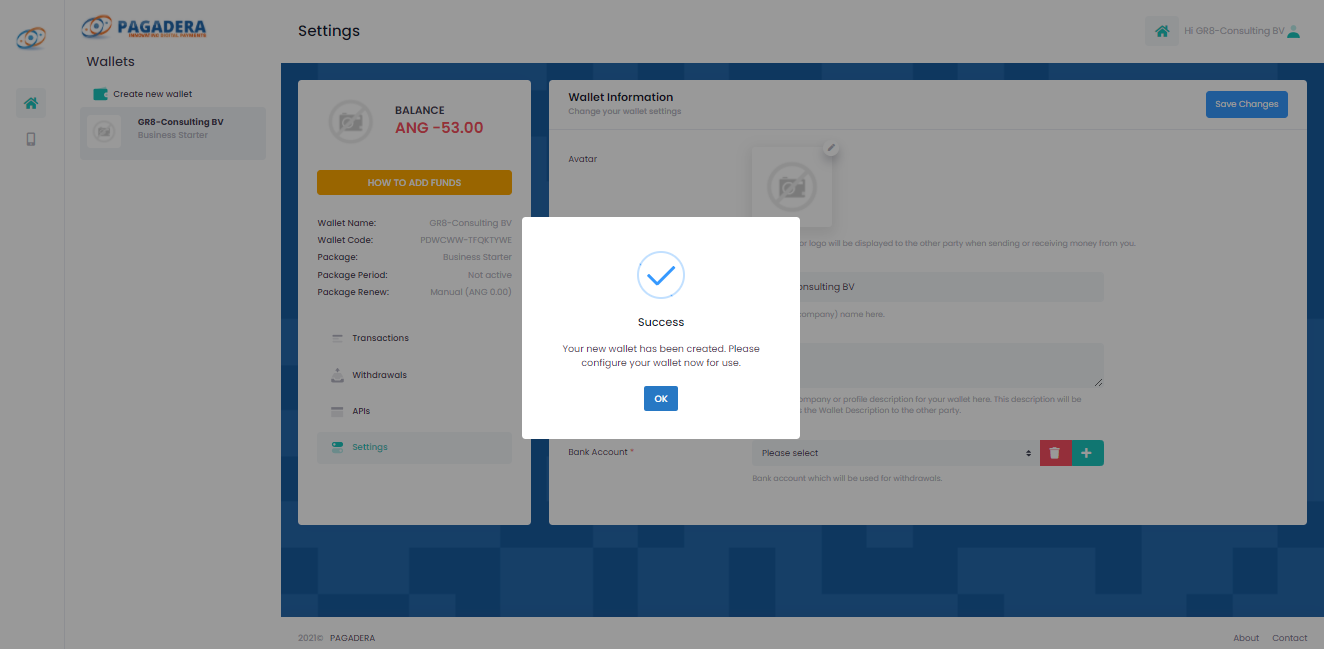
Click Ok button
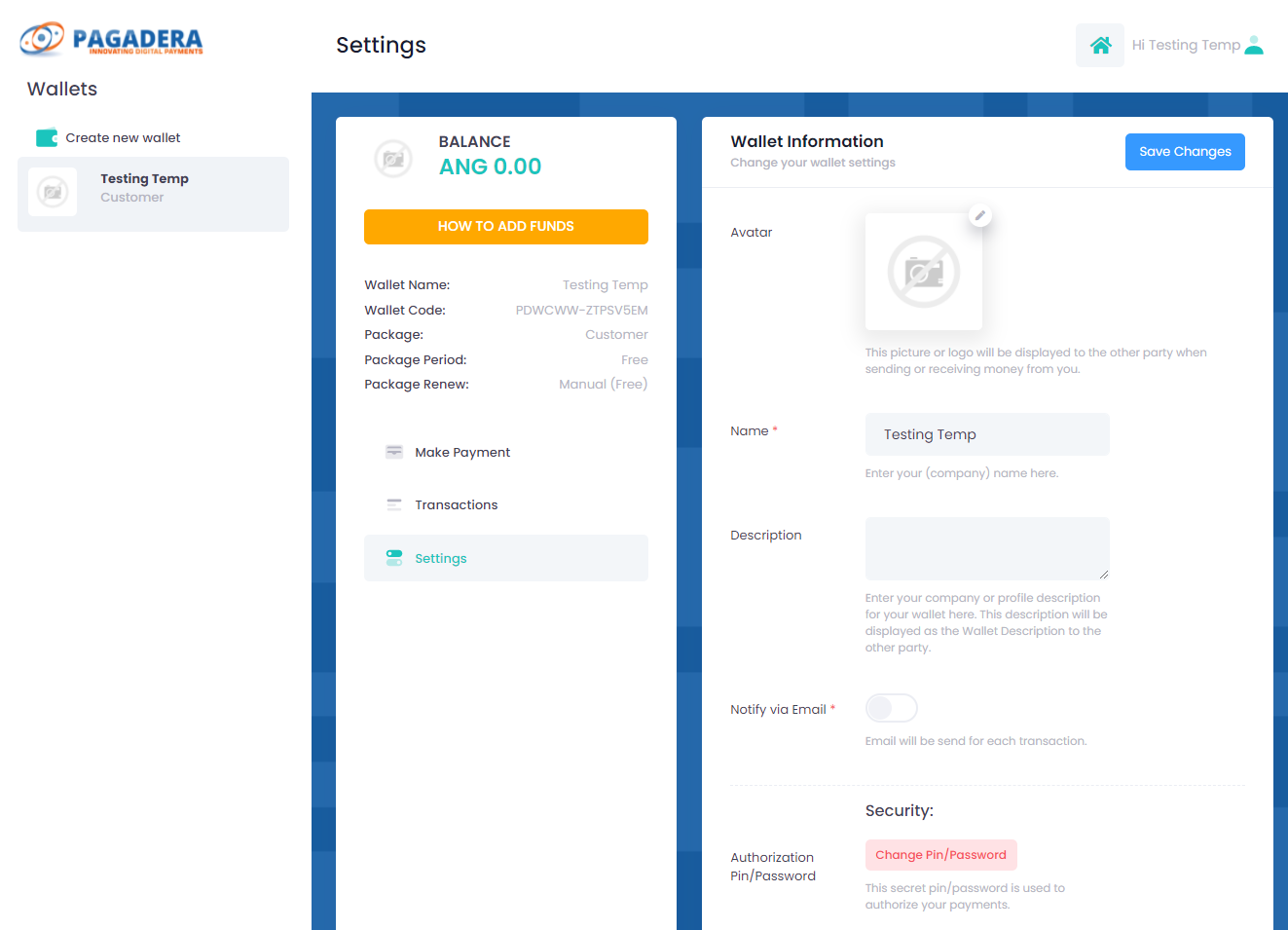
Your current wallet is empty.
In order to add funds to your wallet
Click on the HOW TO ADD FUNDS button
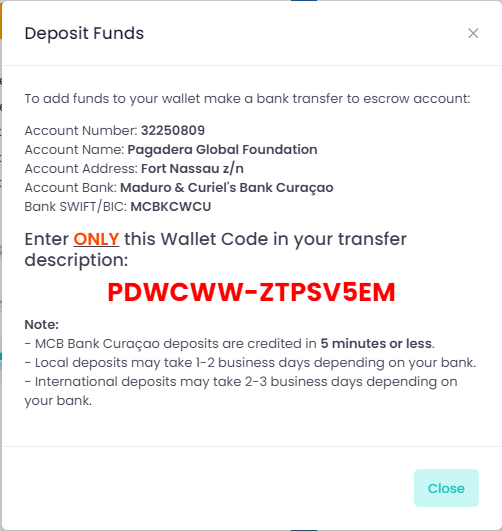
After your Wallet has received the funds your balance is updated and you are ready to buy on the Internet or make payments
To create a Payment with Pagadera, please see the following article: How to make a Pagadera Payment. (Article coming soon)
Sign out by clicking on the upper right button where you see your user name
Click Sign out