
How to create a Pagadera Personal Account
Open your browser and go to https://pagadera.com/
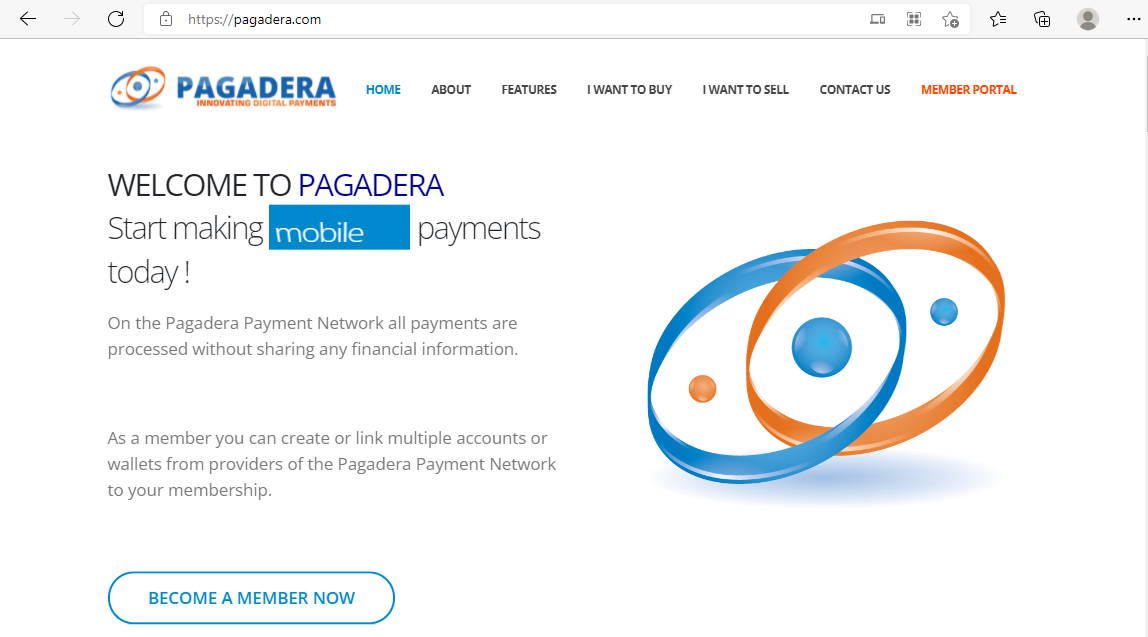
Click on the BECOME A MEMBER NOW button
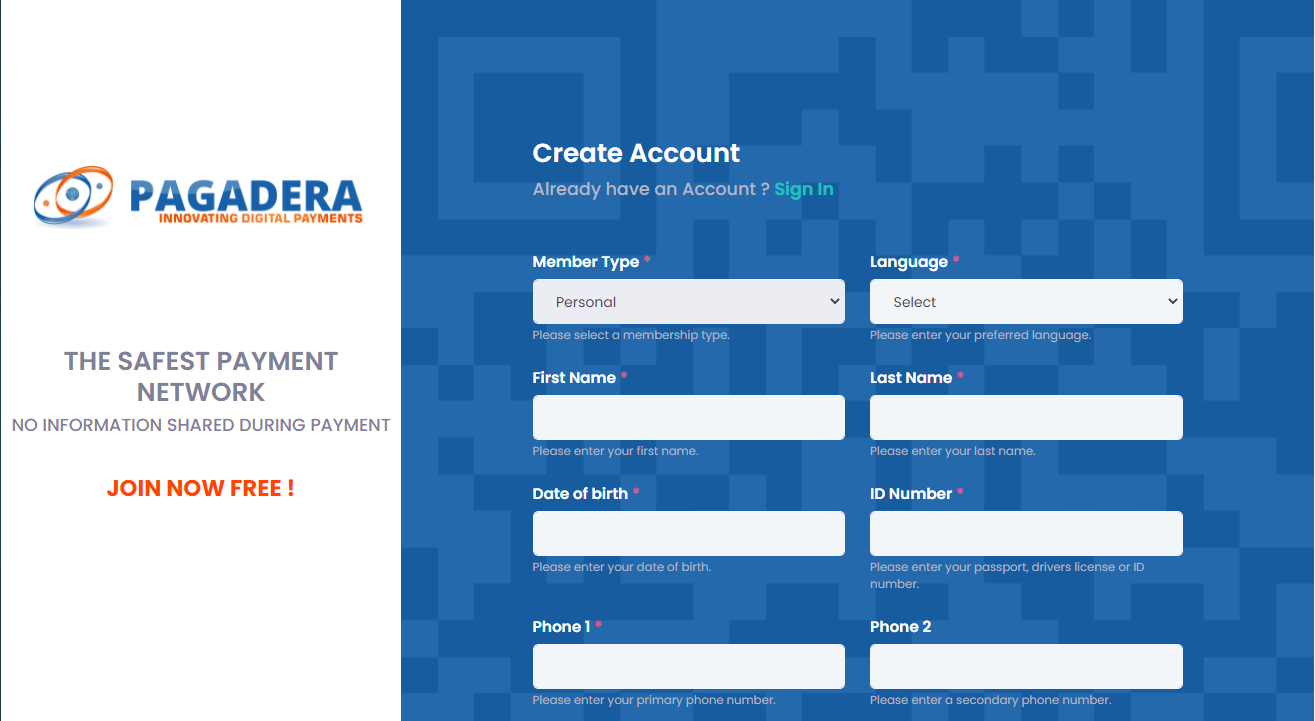
Select Member Type : Personal
Select Language : English
Enter your first name in the First Name field
Enter your last name in the Last Name field
Enter your date of birth in the Date of birth field
Enter your ID Number in the ID Number field
Enter your Phone in the Phone1 field
Scroll down
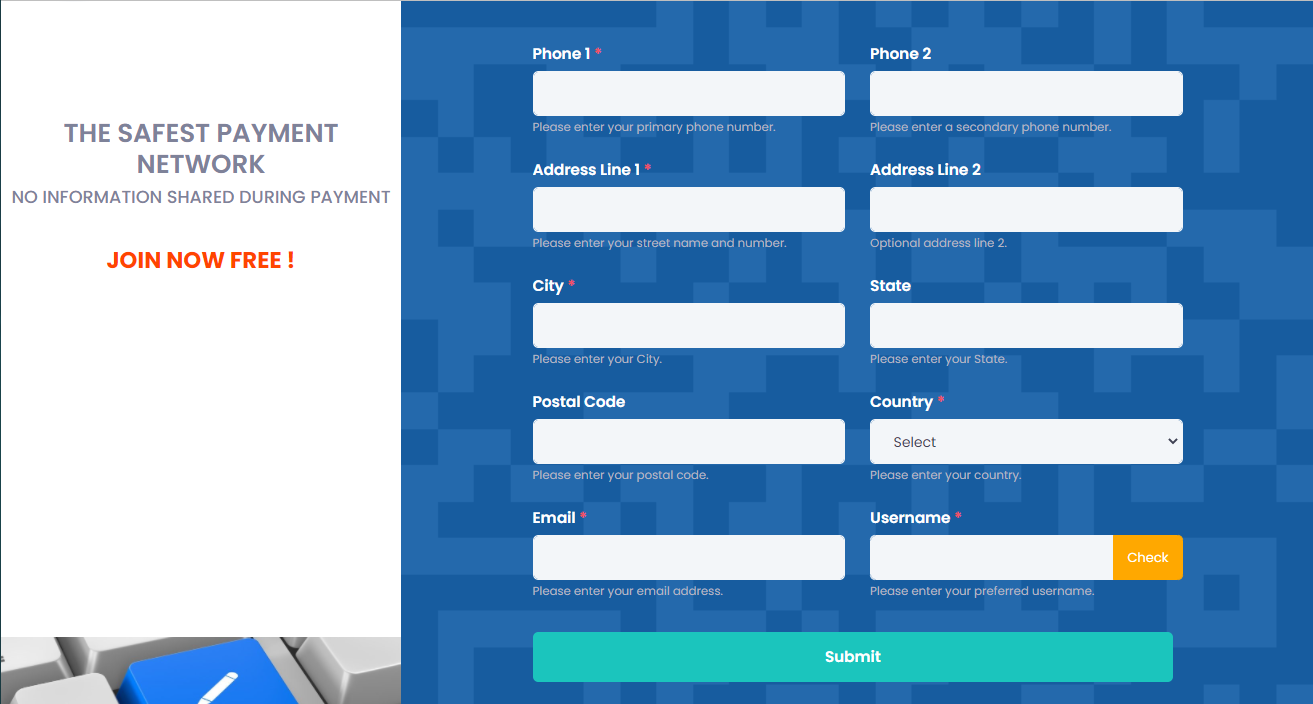
Enter your Address Line 1 in the Address Line 1 field
Enter your City in the City field
Enter your Email in the Email field
Select Country: Curacao
Create an username by typing an username in the Username field
Click the Check Button
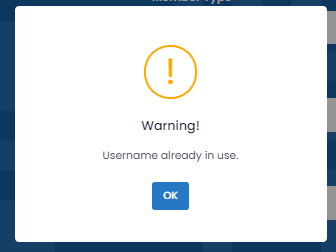
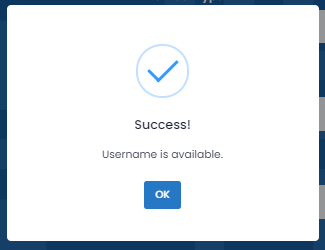
If you receive the following popup
 |
 |
|
Click the Ok Button Enter another Username Click the Check Button |
Click the Ok Button |
If Username is available then Click the green Submit Button
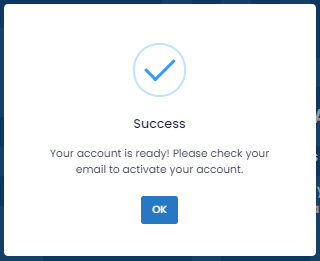
Click the Ok Button
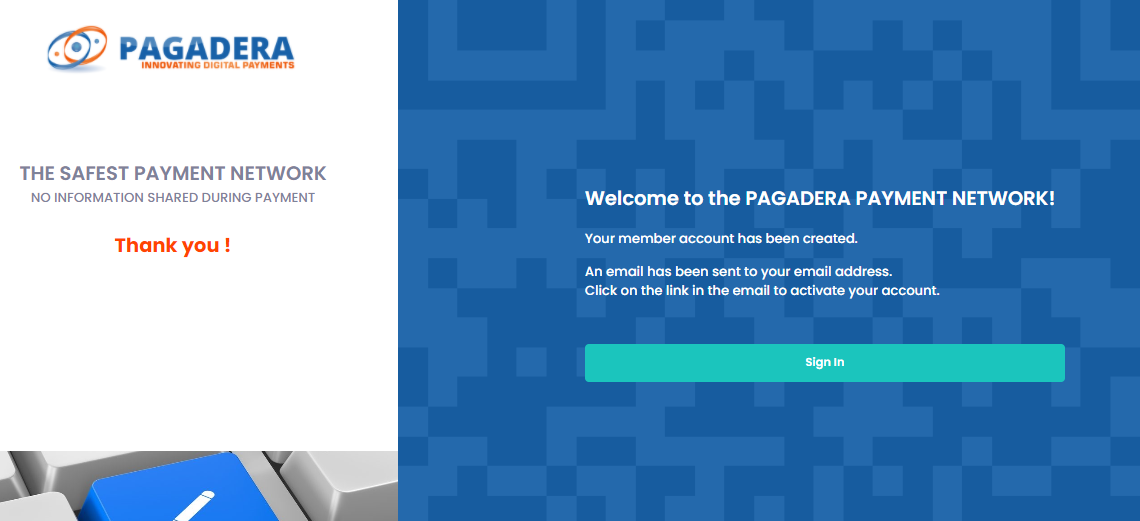
Check your email account, if you don't see any mail check also your spam folder.
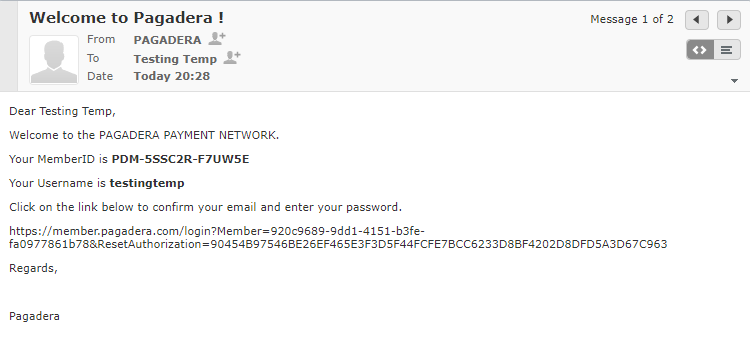
Click on the link in the email to confirm your email and password.
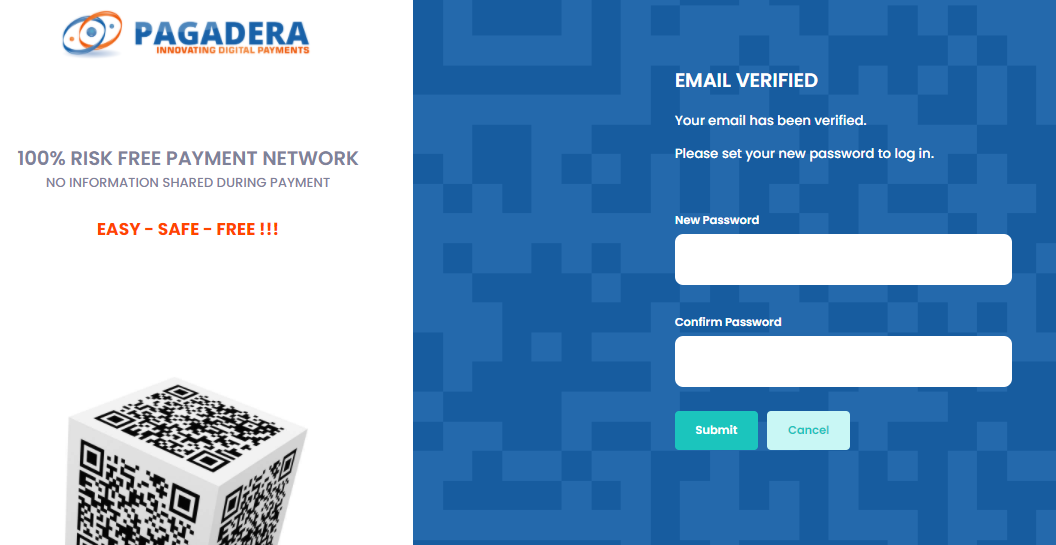
Enter New Password **************
Enter Confirm Password **************
Click the Submit button
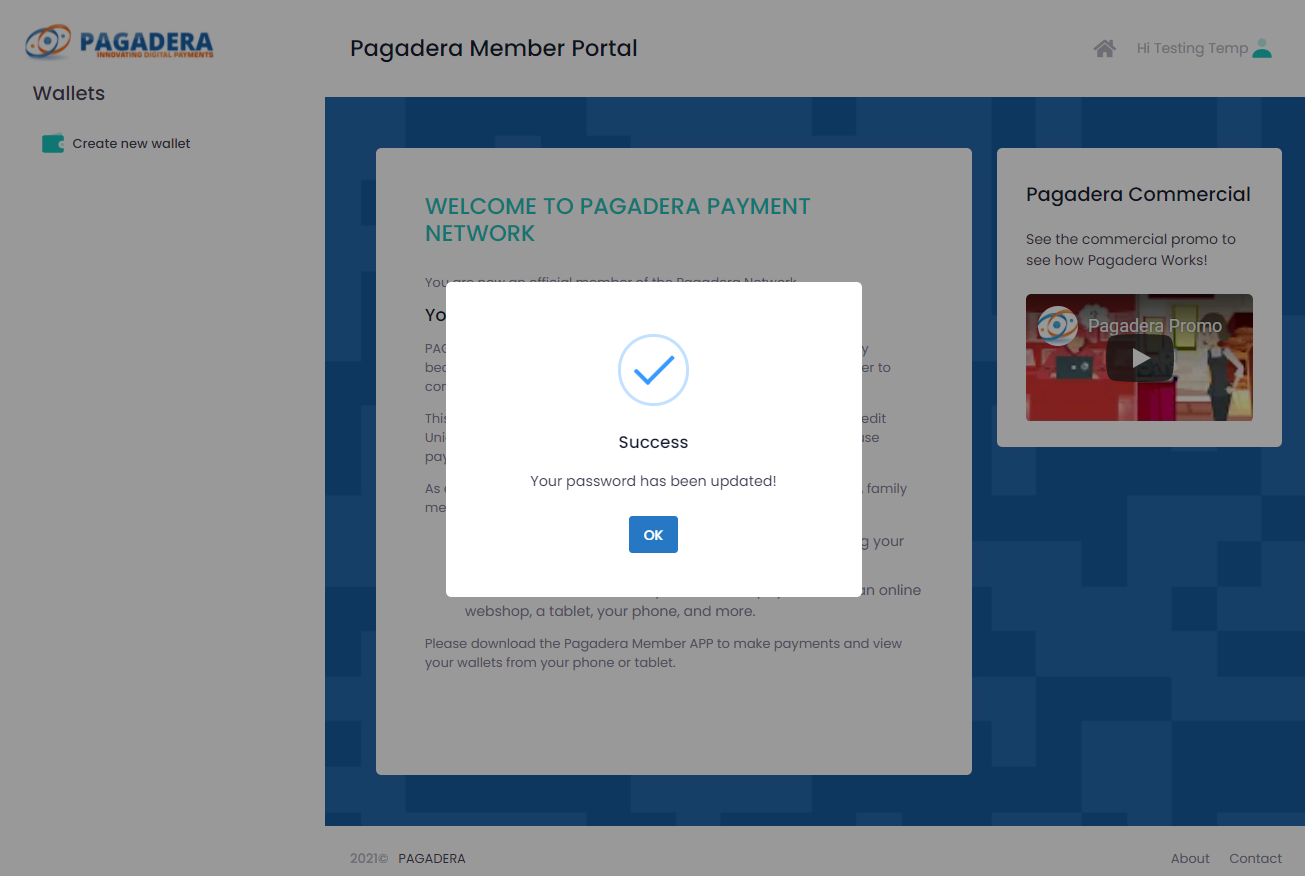
Click the Ok button
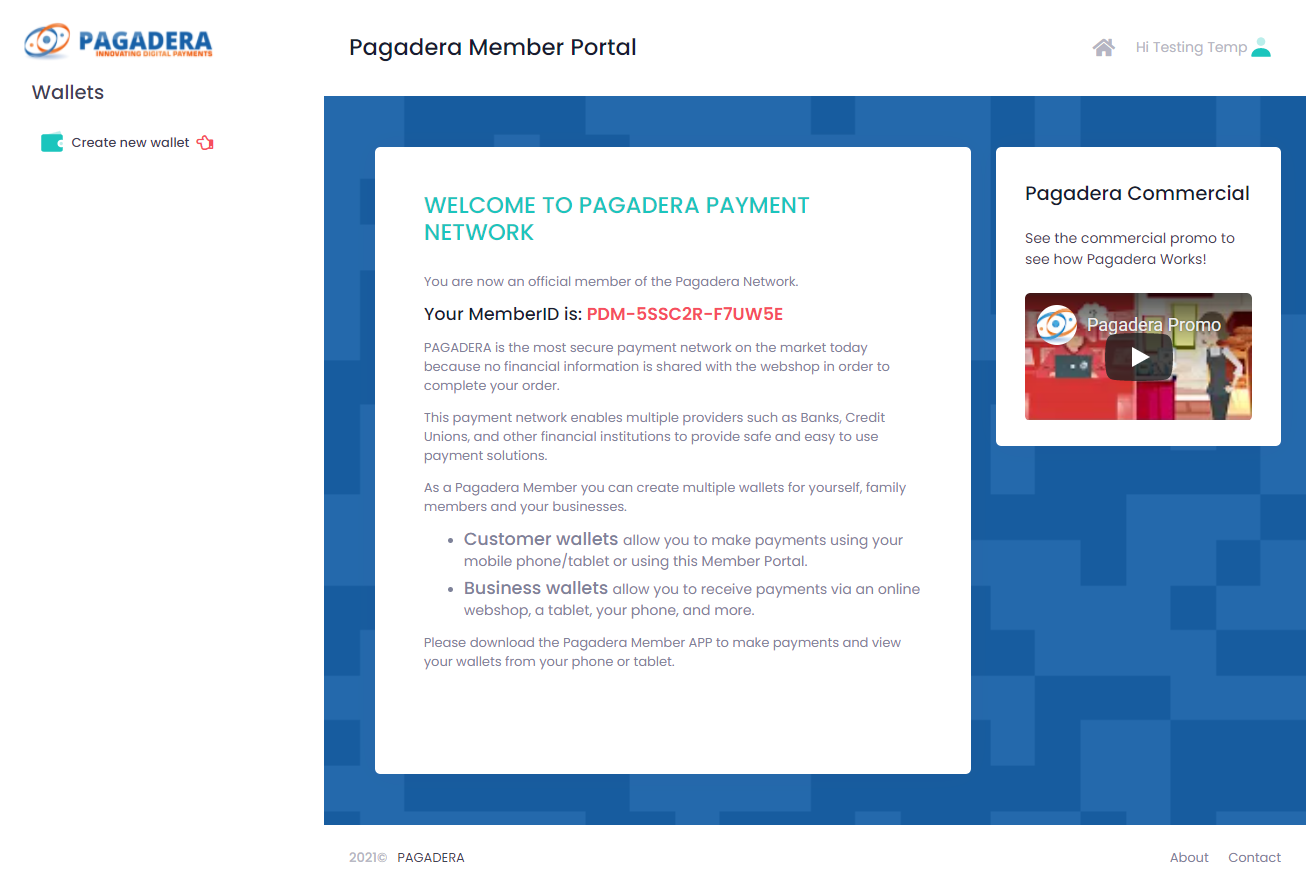
Sign out by clicking on the upper right button where you see your user name
Click Sign out
To create a Pagadera please see the following article: How to Create a Pagadera wallet.